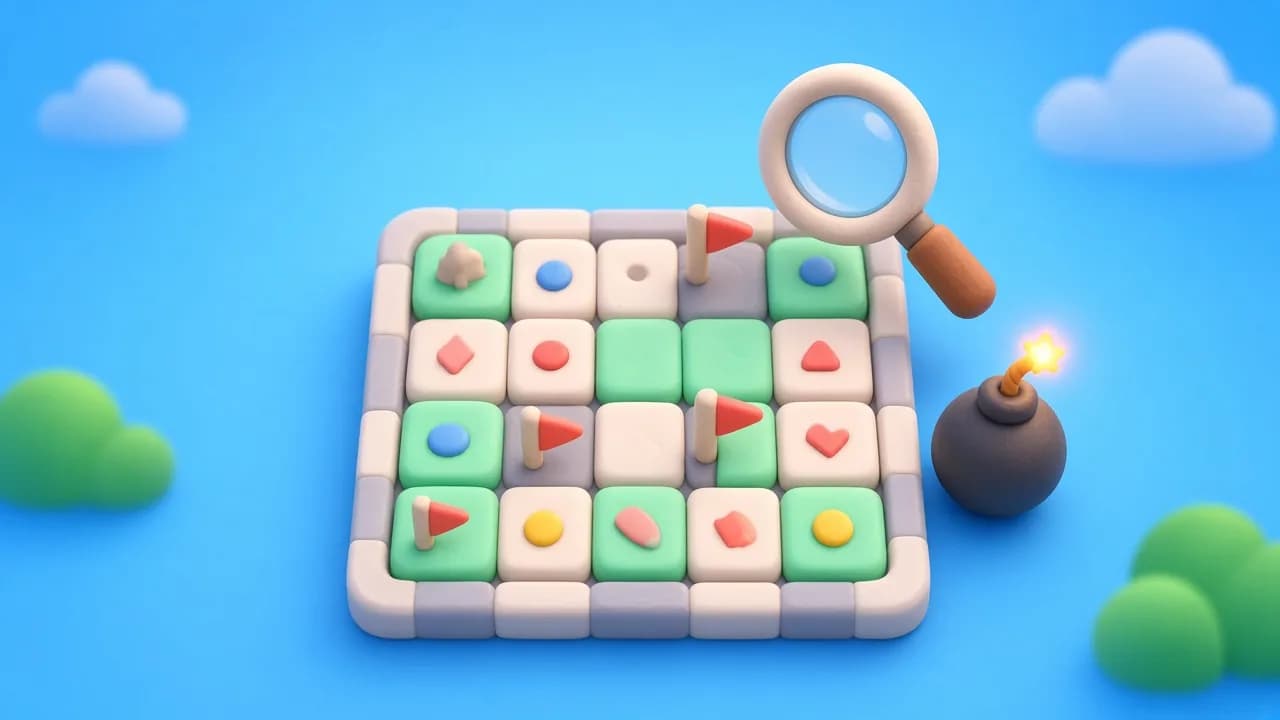
No-Guess Minesweeper: How Fair Mines Removes the 50/50
How a no-guess minesweeper decides where mines go when you click, why skipped logic loses and forced guesses don't, and how to learn from the after-loss board.
Published 4 min read
On this page
Why most minesweeper games end with a coin flip
If you have played enough minesweeper online, you know the moment. The board is almost clear, you have done every deduction you can, and two cells are left that look exactly the same. One of them is a mine. You pick one, and half the time the game is over through no fault of your own. A no-guess minesweeper is built to stop that from happening.
That happens because a normal minesweeper places every mine before your first click. The layout is fixed, and sometimes the layout simply does not give you enough information. No amount of skill gets you past a true 50/50.
Fair Mines is our take on a no-guess minesweeper that handles this differently. It is based on Kaboom, an open-source game by Paweł Marczewski, and it keeps his central idea: the mines are not placed until the game has to decide.
How a no-guess minesweeper decides where the mines are
When you open a cell, the game looks at every number currently on the board and works out which mine layouts are still possible. A small logic solver (MiniSat, compiled to run in the browser) does this work. From that it knows, for each hidden cell next to the numbers, whether it is certainly safe, certainly a mine, or could be either.
Then it applies a few rules to the cell you just tapped:
- If the cell could be safe and there is no cell that logic proves safe anywhere on the board, it comes up empty. You were forced to guess, so the guess is free.
- If there is at least one provably safe cell somewhere and you opened a cell that could hold a mine, it holds a mine. You skipped a deduction.
- If the cell is certainly a mine, it is a mine. No rule saves you there.
- Cells away from the numbers follow the same idea. A tap in the open unknown area is safe only when the solver can show it is safe, or when every cell next to the numbers is a certain mine.
The first tap is always safe, since there are no numbers yet.
What this changes when you play
The rules sound lenient, but the game is not easy. It is strict in a different place. A normal game punishes bad luck. This one punishes skipped logic. If you can still find a safe cell and you guess anyway, you lose every time, not half the time.
So the habit you build is a question you ask before each move: is there a cell I can prove is safe? If yes, find it. If you really cannot, guess next to the numbers and the game will let it through.
That also means a loss always has a reason you can find. Which leads to the most useful part of the game.
The after-loss board
When you hit a mine, Fair Mines marks the hidden cells next to the numbers:
- green outline: this cell was certainly safe
- red outline: this cell was certainly a mine
- yellow outline with a question mark: it could have gone either way
If any green cell was on the board when you lost, that was the deduction you missed. Look at the numbers around it and work out why it had to be safe. Then press Undo, which is available after a loss, and play the move properly.
This is a good way to learn patterns you might otherwise never notice, like the trick of subtracting two numbers that share neighbours.
The Hint button
Hint does not point at a cell. It tells you what kind of position you are in:
- there is at least one cell that is certainly safe
- no cell is certainly safe, so a guess next to the numbers is allowed
- every cell next to the numbers is a mine, so open somewhere else
- one of your flags might be wrong
The second message is the one worth waiting for. It is the game telling you that a guess is fair right now.
Difficulty levels
There are four sizes: Easy (8×8, 8 mines), Normal (10×10, 20 mines), Hard (10×15, 35 mines) and Brutal (10×10, 50 mines). Brutal is dense enough that most positions need careful counting, and the no-guess rule is what makes it playable at all.
On a phone, use the Dig and Flag switch, or long-press a cell to flag it. If you keep opening cells by mistake, turn on safe mode in Options, and a cell will only open on a double tap.
If you like puzzles where every move can be worked out, Drop Four and Loose Lines are also on the site. Or go straight to Fair Mines and try a Normal board.
 Play Fair MinesFree in your browser — no download.