Free · No download · Mobile & desktop
Color Spill
Free · No download · Mobile & desktop
Color Spill Color Flood Game
A color flood game: repaint the top-left corner until the whole board is one color.
How to play
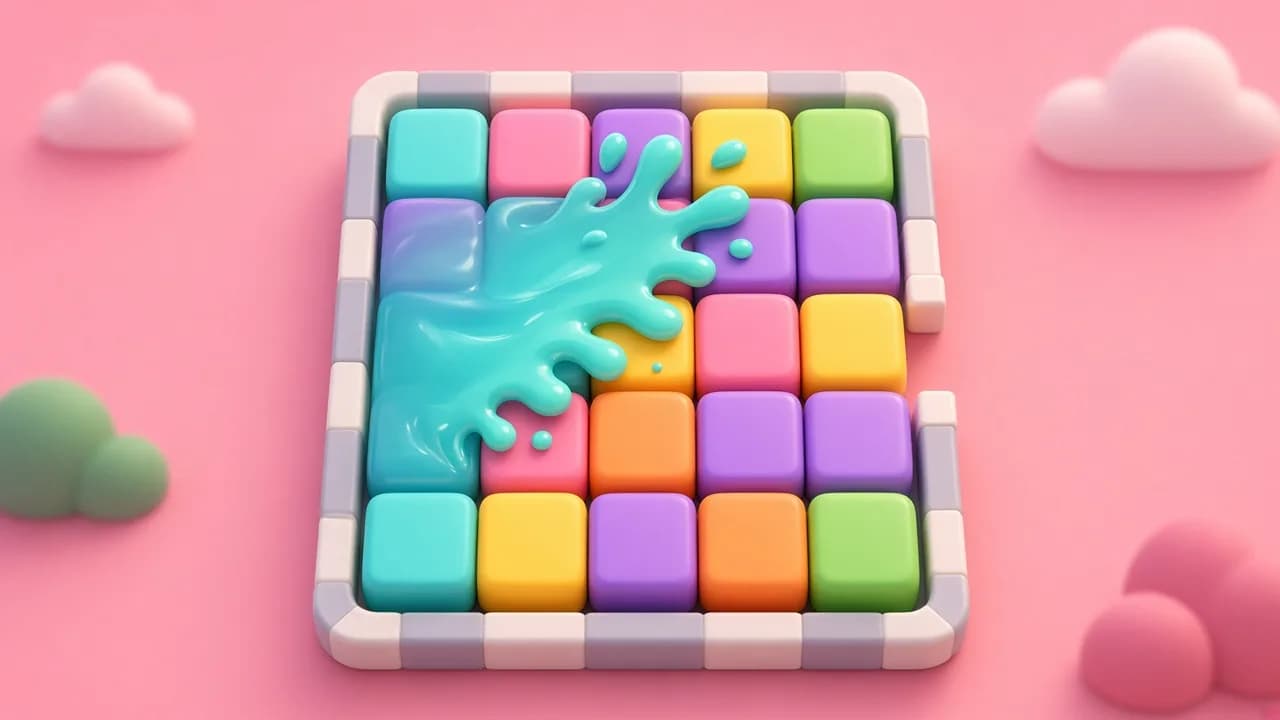
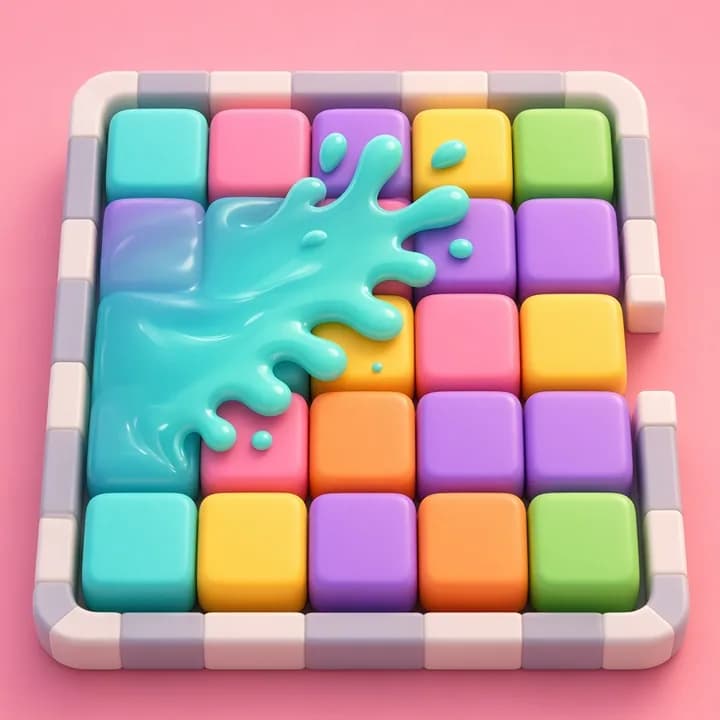
Color Spill is a color flood game played on a grid of colored squares. The region in the top-left corner is yours. Tap any square and your region changes to that square's color, swallowing every neighbouring square that already matches. Keep going until the whole board is a single color.
The catch is the move counter under the board. Each puzzle has a limit, shown as moves used out of moves allowed. Finish within it and the status line says COMPLETED. Go over and it says FAILED, though you can still finish the board for practice.
Type lets you choose the board: 12×12 or 16×16 at different difficulties, 12×12 with only 3 or 4 colors, or a Custom size. Undo, Redo and Restart are always there, and Solve shows how the current board can be finished if you want to see it.
Credits
Color Spill is a modified version of Flood from Simon Tatham's Portable Puzzle Collection, released under the MIT License. For physoe we built a new phone-friendly page around it, added Chinese text and removed the original site links. The original copyright and license notice is included with the game files.
Controls
Desktop
Click any square to fill your region with its color. The buttons above the board choose a board type, start over, undo, redo or solve.
Mobile
Tap any square to fill your region with its color. Use the buttons above the board to change the board, restart, undo, redo or solve.
Tips
- 1Pick the color that grabs the most squares right now, but also look one move ahead.
- 2Push toward the far corner early. A long arm across the board touches many more colors.
- 3If a color only exists in one small patch, pick it up when your region is already next to it.
- 4Undo is free. Try a move, look at the counter, and take it back if it was a waste.
FAQ
More games like this
All games
Loose Lines
A calm untangle game: drag the dots until none of the lines cross.
Puzzle & Relax
Double Tiles
A number merge game on a 4×4 board: slide, combine equal tiles, and work your way up to 2048.
Puzzle & Relax

Pour & Sort
Pour colored liquid between tubes until every tube holds one color.
Puzzle & Relax
Lot Escape
Tap a car to drive it out the way it faces — clear the whole lot to win.
Puzzle & Relax

Pop Sheet
An endless sheet of bubble wrap — tap, pop, relax.
Puzzle & Relax
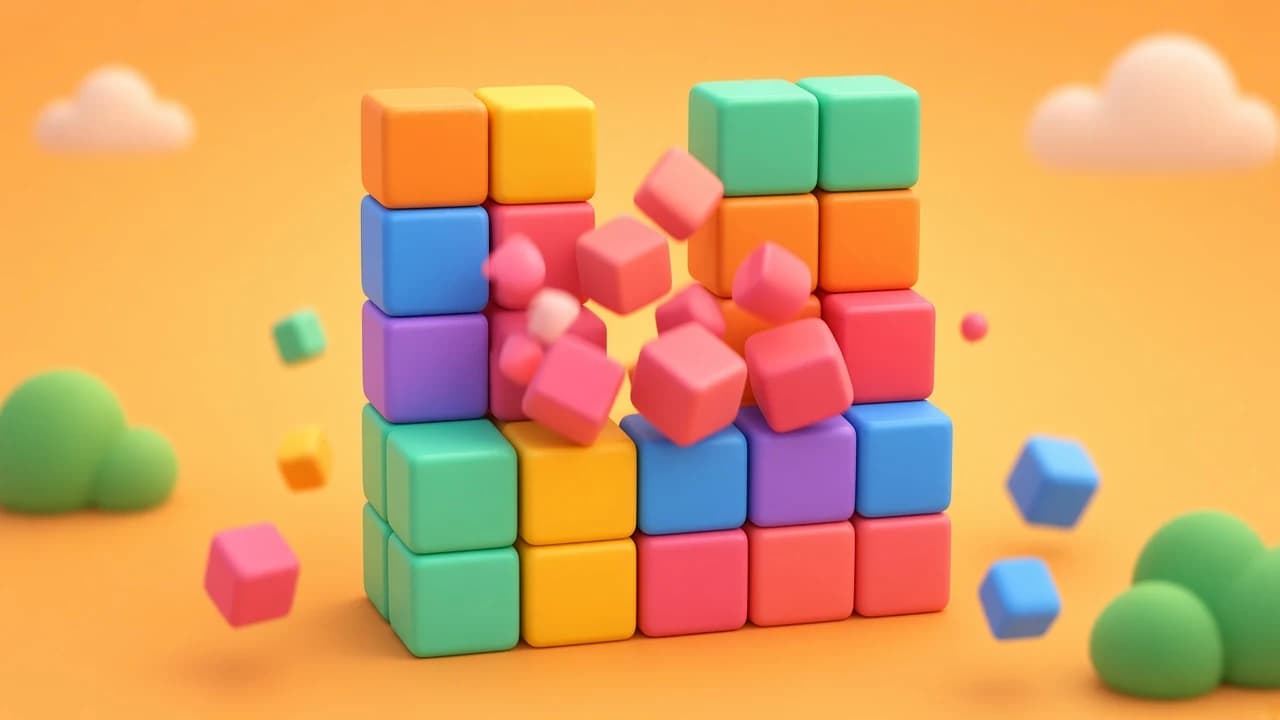
Block Pop
A same game puzzle: pop groups of matching blocks, let the rest fall, and try to clear the whole board.
Puzzle & Relax

Down to One
A math puzzle game about factors: pick a number in each row, divide when you can, and try to land on exactly 1.
Puzzle & Relax
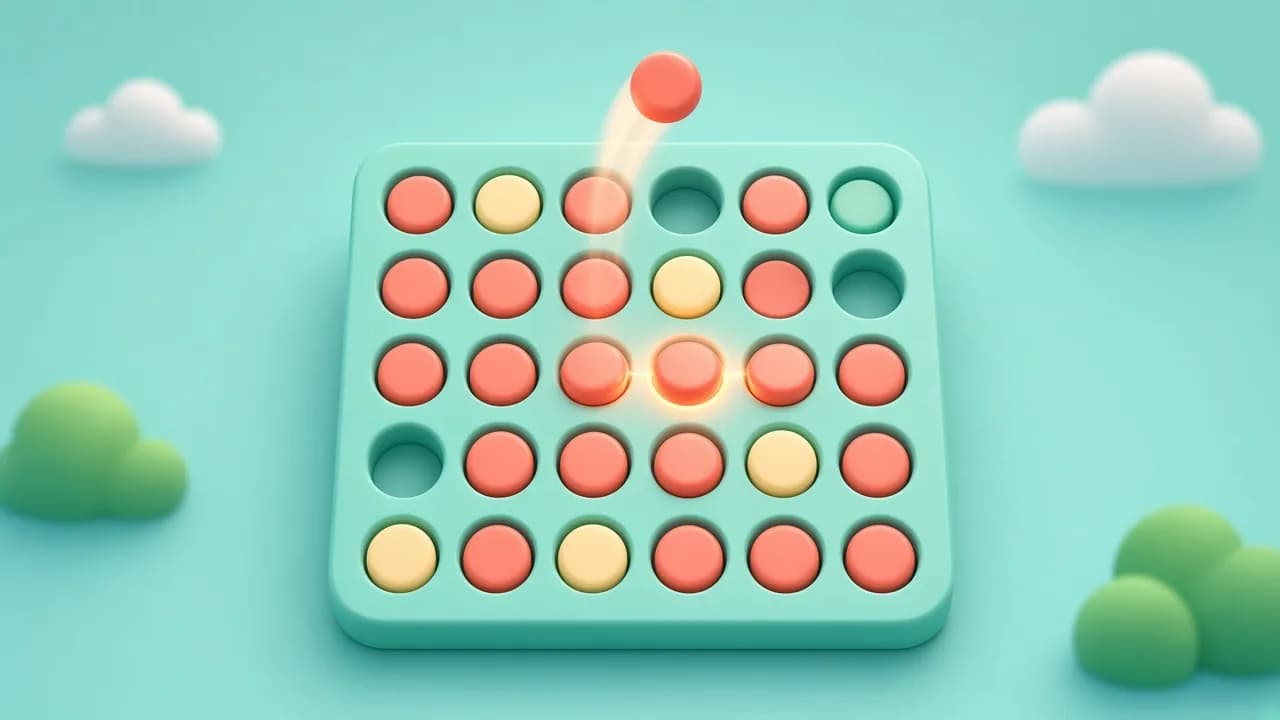
Drop Four
A four in a row game for your browser: play the computer or pass the phone to a friend.
Puzzle & Relax