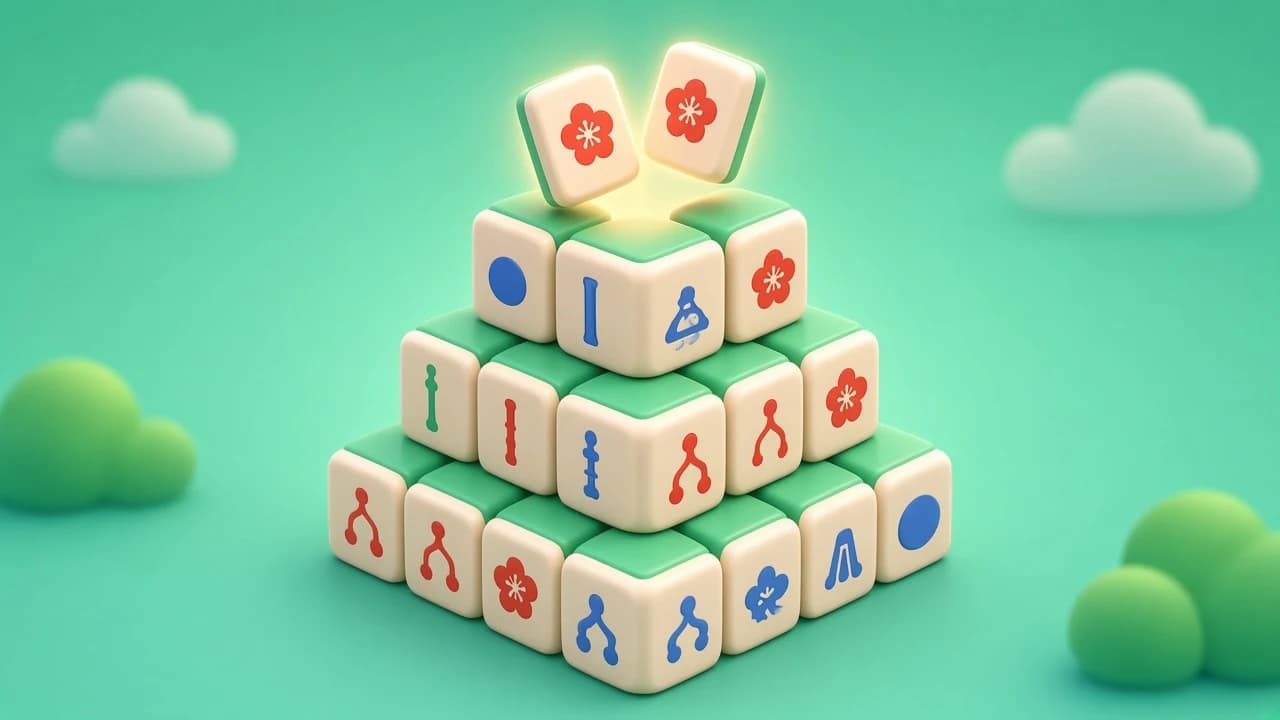
Free · No download · Mobile & desktop
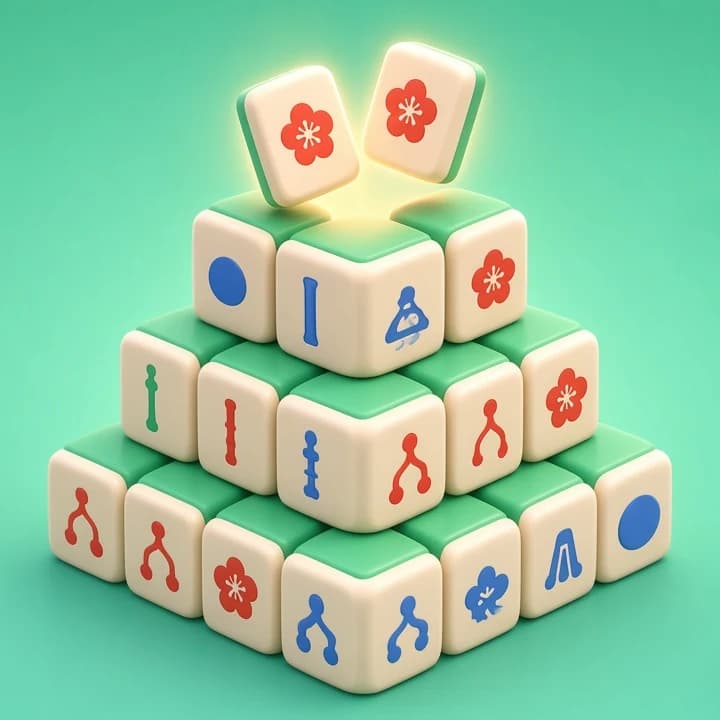
Mahjong Stack
Free · No download · Mobile & desktop
Mahjong Stack Mahjong Solitaire
Mahjong solitaire with 84 board layouts: match pairs of free tiles and clear the whole stack.
How to play
Mahjong Stack is a mahjong solitaire game for one player. Mahjong tiles are piled into a layered layout, and you remove them two at a time by matching identical pairs. A tile can only be taken when it is free, which means nothing is lying on top of it and at least its left or right side is open. Clear every tile to win the board.
There are 84 board layouts to choose from, from the classic turtle shape to smaller and stranger designs, and a board generator for random layouts. Boards can be dealt so that they are guaranteed to have at least one solution. You can also pick between several tile designs and backgrounds in the settings.
Three modes change how much help you get. Easy gives you hints, undo, shuffle and a rescue shuffle when you run out of moves. Standard keeps hints and undo. Expert turns all helpers off. The game times each board, and your best time and win statistics are saved in this browser. A short tutorial explains the rules the first time you play.
Credits
Mahjong Stack is a modified version of the open-source Mah Jong by ffalt, released under the MIT License. We kept English and Chinese only, removed external links and the image backgrounds, trimmed the tile sets and added a credits section in the help screen.
Artwork and other assets, each under its own license:
- Riichi tile set: FluffyStuff and xhokir, CC BY 4.0 (
creativecommons.org/licenses/by/4.0) - Birds tile set: Pedro Machado, CC BY 4.0 (
creativecommons.org/licenses/by/4.0) - Space tile set: Good Stuff No Nonsense, CC BY 4.0 (
creativecommons.org/licenses/by/4.0) - Uni and Black & White tile sets: Shizhao (Wikimedia Commons), public domain
- Joker tile artwork: Cangjie6 (Wikimedia Commons), CC BY-SA 4.0 (
creativecommons.org/licenses/by-sa/4.0) - Background patterns: ffalt, CC BY-SA 4.0 (
creativecommons.org/licenses/by-sa/4.0) - Sound effects: ZzFX by Frank Force, MIT License
- Font and icons: Kulim Park, Entypo, Font Awesome, Iconic, Fontelico and Typicons, SIL Open Font License
The full license texts and notices are included with the game files.
Controls
Desktop
Click a free tile, then click a matching free tile to remove the pair. Hint, Undo and Shuffle are in the bar at the top, depending on the mode.
Mobile
Tap a free tile and then its match. Blocked tiles cannot be selected. Turn your phone sideways for a bigger view of wide layouts.
Tips
- 1Go for tiles that free up the most others. Tiles on top of tall stacks and at the ends of long rows usually come first.
- 2When three tiles of the same face are free, think about which pair to take so the fourth can still be reached later.
- 3Do not rush to clear the easy pairs on the edge if a blocked stack in the middle needs the same face.
- 4In Expert mode there is no undo, so take a moment before each match on the last few layers.
FAQ
More games like this
All games
Gem Trio
A match 3 game with 30 moves: swap neighbouring gems, line up three or more, and chain clears for bigger scores.
Puzzle & Relax
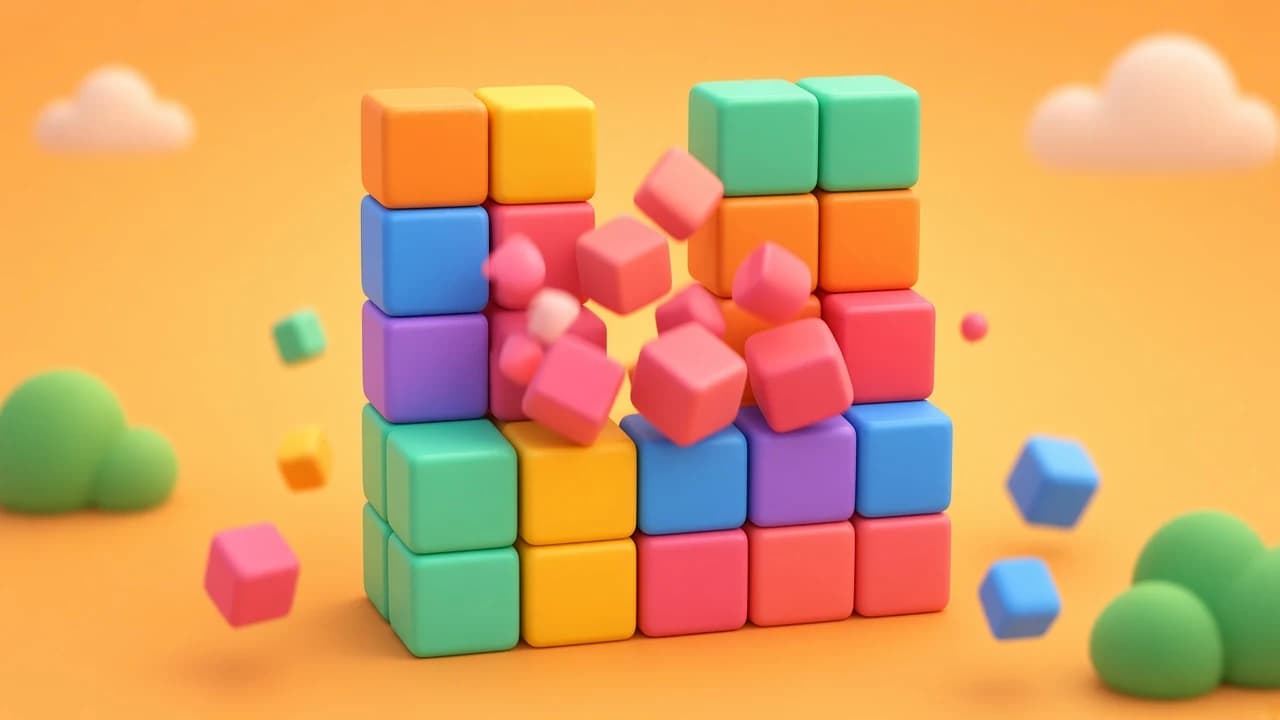
Block Pop
A same game puzzle: pop groups of matching blocks, let the rest fall, and try to clear the whole board.
Puzzle & Relax

Island Links
A bridges puzzle game: link numbered islands with straight bridges so every number is met and the whole map joins up.
Puzzle & Relax
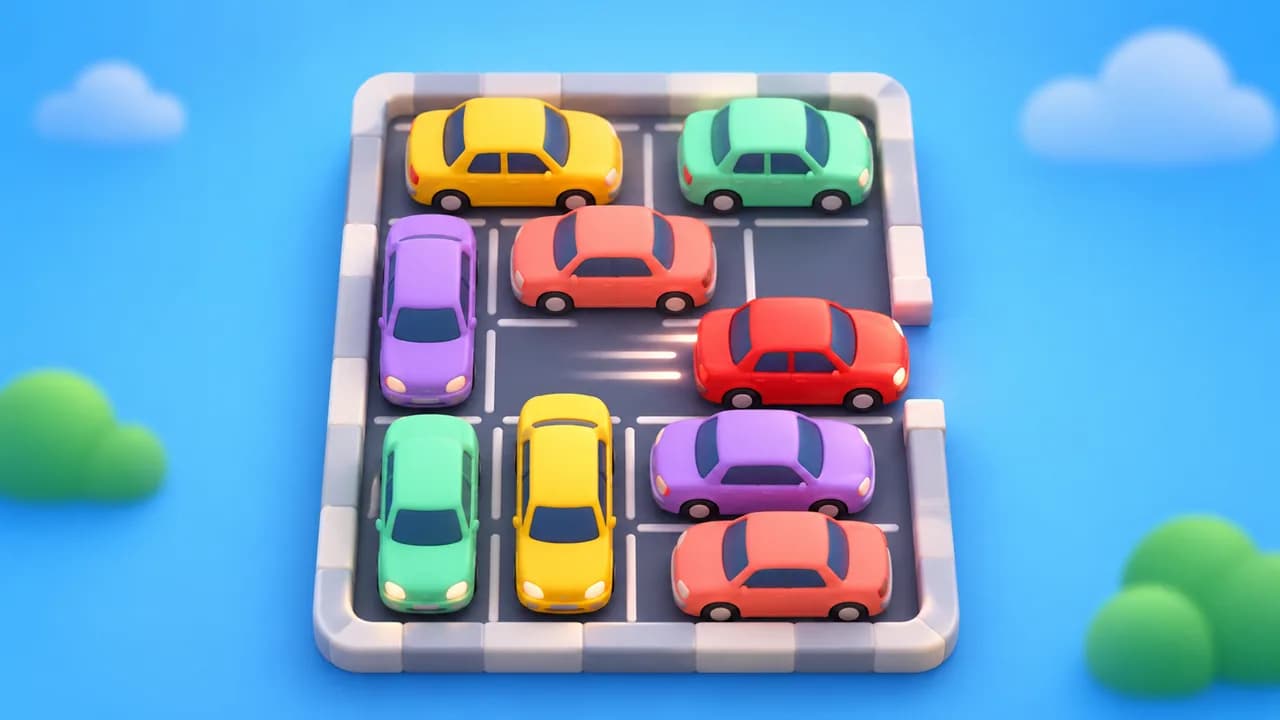
Lot Escape
Tap a car to drive it out the way it faces — clear the whole lot to win.
Puzzle & Relax

Pour & Sort
Pour colored liquid between tubes until every tube holds one color.
Puzzle & Relax

Pop Sheet
An endless sheet of bubble wrap — tap, pop, relax.
Puzzle & Relax
Color Spill
A color flood game: repaint the top-left corner until the whole board is one color.
Puzzle & Relax

Down to One
A math puzzle game about factors: pick a number in each row, divide when you can, and try to land on exactly 1.
Puzzle & Relax